Mastodon
A decentralised microblogging network from Mastodon gGmbH: you choose a server, create an account there and follow people across the fediverse.
Web
Open source

2023.315.1.0 · Meta · Page updated
Facebook for Windows is the desktop app of Meta's social network, with the news feed, groups, pages and notifications in a separate window.
Average 0.0 · ratings: 0
Thank you! Your rating is saved; you can change it. Could not save the rating. Please try again later. Too many ratings from your network today. Please try again tomorrow. The average appears after 5 ratings.
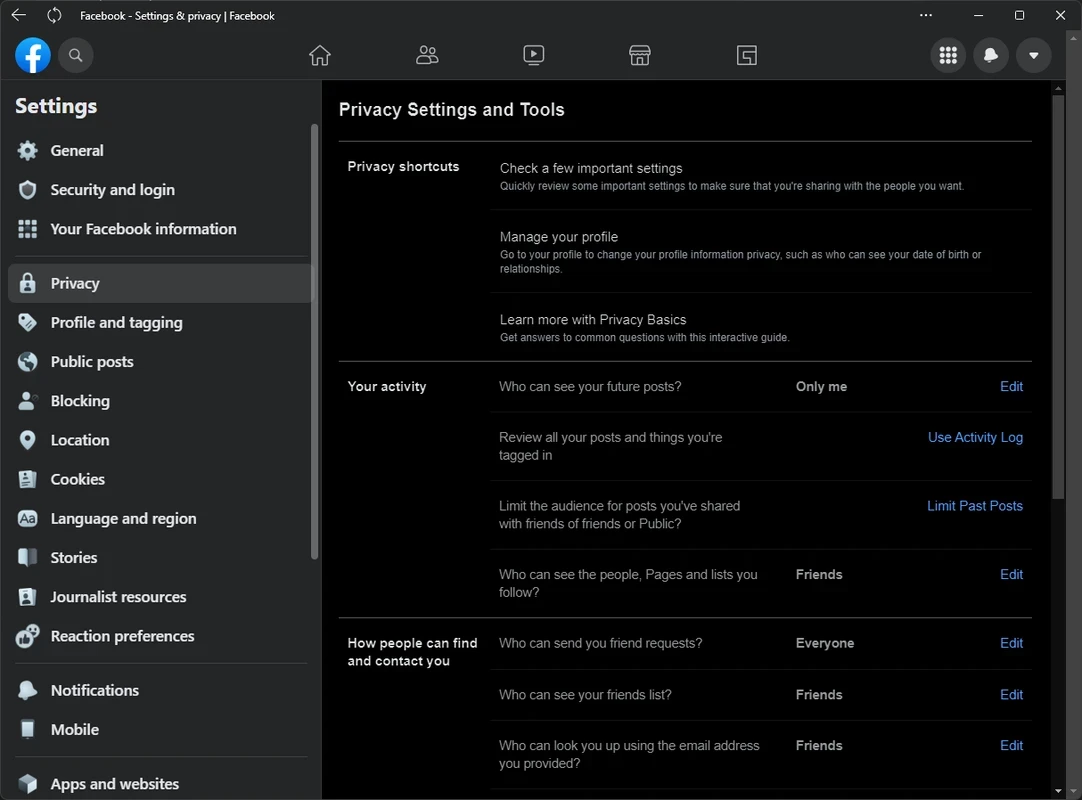
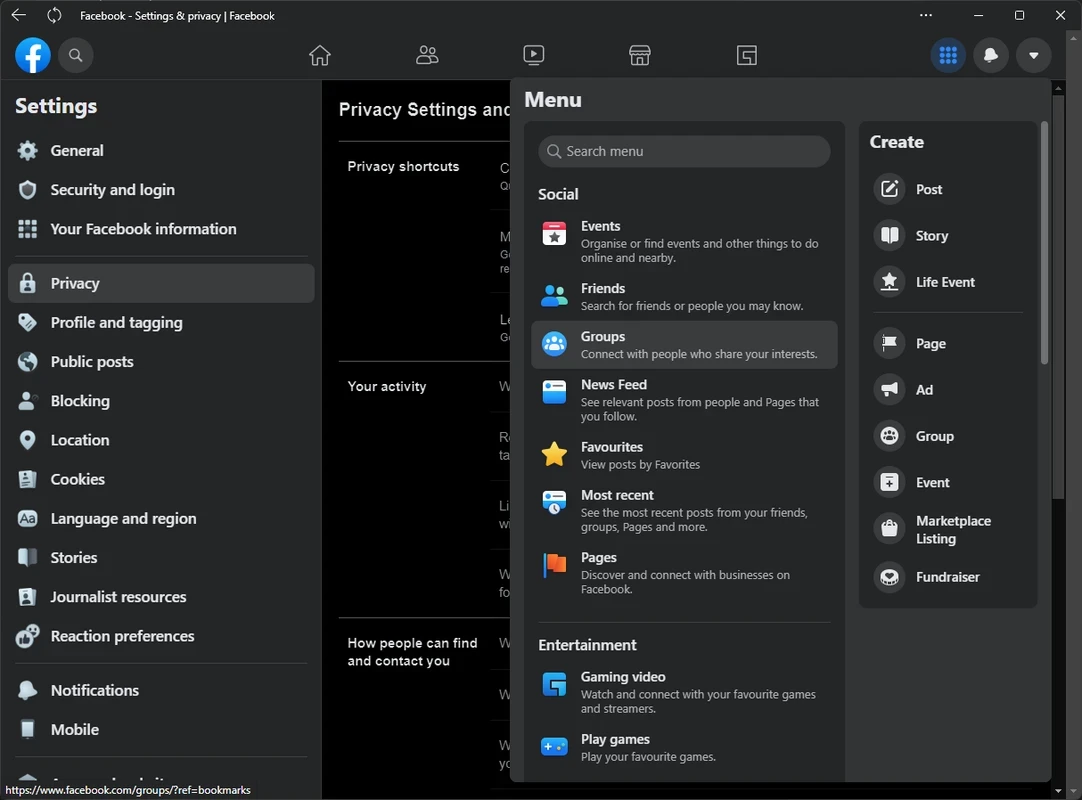
Facebook 2023.315.1.0 for Windows is the desktop app of the social network owned by Meta Platforms, and you can download it free through official channels. Here are straight answers to the questions people ask before installing it on a PC.
Facebook is a social networking service founded by Mark Zuckerberg and launched on 4 February 2004. Today it belongs to Meta Platforms and combines several things under one account: a personal profile, a news feed from friends and followed pages, groups built around shared interests, event invitations and a marketplace for buying and selling locally. On a PC, many people use it for exactly the tasks that are awkward on a phone, such as writing long posts, running a page for a club or business, moderating a busy group or sorting through photos. The Windows app puts all of that in its own window, separate from the browser tabs you use for work, and shows notifications even when the window is minimised.
The current build is 2023.315.1.0; the Microsoft Store package has not been updated since 2023. The file size is about 2.47 MB according to catalogue data. The app is published by Meta.
If you would rather not install anything, facebook.com offers the same account in any browser.
The Microsoft Store checks compatibility for you and only offers the app to systems it supports. Beyond that, you need a stable internet connection and a current Windows installation with recent updates.
Yes, the app is freeware and using the network costs nothing. Businesses pay only when they choose to advertise or boost posts.
The Store version is. Avoid "Facebook for PC" installers from download portals, as they may bundle adware or phishing tools. After signing in, enable two-factor authentication and check which devices are logged in to your account.
Facebook Lite is a lighter option in the same catalogue. For other networks on Windows, there are LinkedIn for professional contacts, Reddit for topic-based communities and Threads or Instagram for photos and short posts.
A decentralised microblogging network from Mastodon gGmbH: you choose a server, create an account there and follow people across the fediverse.
A decentralised social network with Facebook-style profiles, groups and long posts, connected to Mastodon and the rest of the fediverse.

WhatsApp Desktop is the official WhatsApp app for Windows, letting you chat and call from your PC with the account on your phone.

WhatsApp Viewer is a free Windows tool by Andreas Mausch that opens WhatsApp chat databases from Android and displays the conversations on a PC.

Microsoft Teams is Microsoft's collaboration and video-conferencing app for chat, meetings, calls and shared files at work, school or home.

Zoom Meeting is the desktop client of Zoom's video-conferencing service for calls, webinars, screen sharing and chat on Windows.

Camo Studio is Reincubate's desktop app that turns an iPhone, iPad or Android phone into a high-quality webcam for a Windows PC or Mac.

Google Meet is Google's video meeting app. On Windows it runs from the browser and can be installed as an app, with no separate installer to download.

Telegram Desktop is the official Windows client of the Telegram messenger, with chats, groups, channels and file sharing synced from the cloud.

Telegram Web is the browser version of the Telegram messenger: open it on a Windows PC, log in with your phone and chat without installing anything.